How to connect MeetNotes to Claude
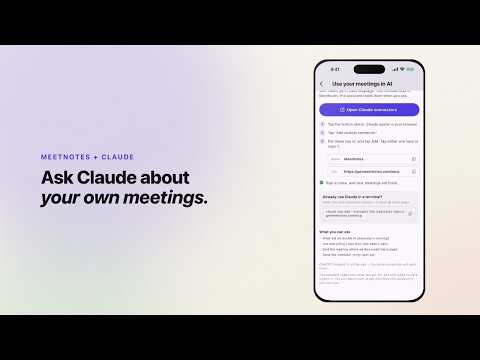
In Claude, add a custom connector named MeetNotes with the URL https://getmeetnotes.com/mcp, then sign in with your MeetNotes email.
- Open Claude's connector settings. Tap +, then Add custom connector.
- Name it MeetNotes and paste
https://getmeetnotes.com/mcp into the Remote MCP server URL field. - Leave the detected sign-in settings as they are and add the connector.
- Connect, sign in with the same email you use for MeetNotes, and approve access.
- Ask Claude about your meetings, for example "What are my open action items from this week?".
Good to know
- If Claude doesn't see your meetings, turn on MeetNotes under +, then Connectors, in the chat.
- Free Claude accounts can have one custom connector. On a team account, an owner may need to add it first.
- Setup for other tools is on the MCP page.
 0:45
0:45
Related
Checked against the app on 2026-10-29.


